Can you create a construction estimate from photos?
Turn site photos and measured job details into a working estimate you can check and send.

Published
Before you start
- Pair site photos with measured dimensions, product choices and a clear scope.
- Review material quantities, access, labour and disposal before sending a price.
- Construction Job Estimator brings photos and job details into a working estimate.
Yes, you can build a quote from site photos, as long as the photos sit next to your own measurements, a written specification and a clear scope. The photos show condition and context. Your tape or laser sets the quantities. Your scope says what you're pricing and what you're not.
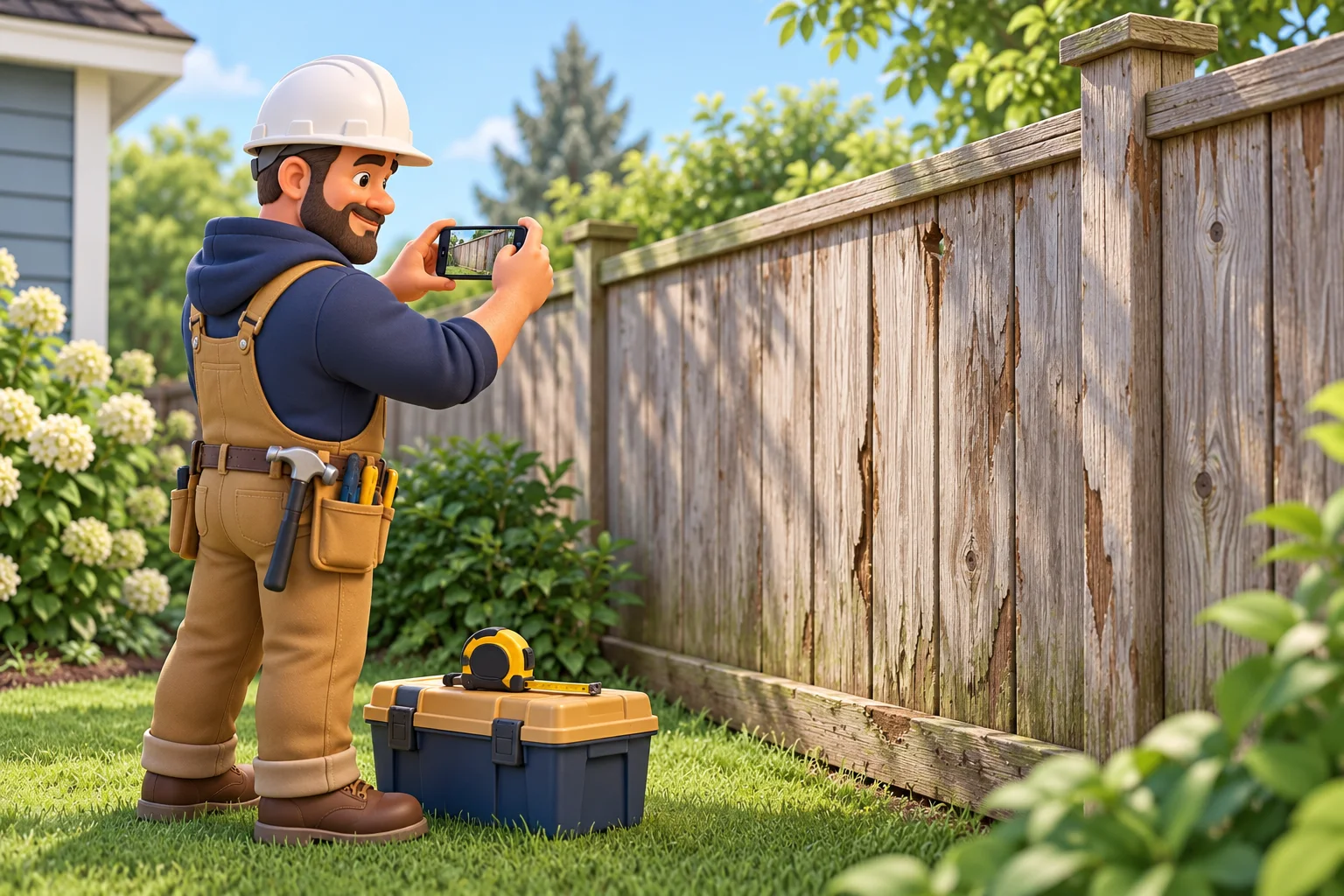
Take an illustrative fence replacement: 80 feet long, six feet high, with the old fence removed. The photos help explain the work; your measurements and product choices give you the details to price it.
Record the inputs your photos can't give you
For the fence, the photos can't tell you how long the run is or how tall the new fence should be. You need these in your notes before you price anything:
- Measured dimensions: an 80 ft run at 6 ft high.
- Specification: the fence you're putting in, including the posts, panels or boards, and fixings you plan to use.
- Scope in plain words: remove the existing fence, install the new one, no gate.
- Access: waste and materials have to move through a narrow side passage.
- Disposal: where the old fence goes and how it gets there.
The access note matters because a narrow passage changes how you carry things, and that affects your labour time. Price removal and disposal as separate lines too. Taking the old fence down is one job. Getting it off site, and paying to get rid of it, is another.
Turn photos and inputs into a working estimate
Describe the job in the order you'd explain it to a crew: measurements first, then the spec, scope, access and disposal notes, with the photos backing them up. Construction Job Estimator is built for this. You describe the job by voice or text, include the measurements you've taken, add your site photos, and it turns those details into a working estimate.
Supply the dimensions you've checked on site and let the app bring the costs together. It finds real-time material prices from local suppliers, so you have prices to review alongside the quantities and work involved.
Once the estimate exists, review it as a whole. Materials, labour and other job costs, such as delivery, equipment hire and disposal, sit in the same estimate. You can see the quantities, pack sizes, prices and labour behind each figure. You can adjust quantities, products, labour time, rates, markup and individual lines. If you already have a supplier price, enter it. You can also compare supplier options. When you're happy, you can prepare a professional estimate or quote to send to your customer.
There's a seven-day free trial if you'd like to run a real job through it before deciding.
What photos show and what they can't
Photos are good evidence of what's visible. On the fence job they can show:
- the line of the run and where it starts and stops
- the ends, and how the fence meets other structures
- the route to the work, including the narrow side passage
- visible damage to the existing fence, such as leaning, rot or broken panels
Visible condition drives your removal effort and your access labour, so it belongs in the price.
Photos can't show buried services, what the posts look like below ground, or concealed problems in the ground or surface around them. That's hidden work. It drives risk and possible variations rather than a line you can price from a picture.
Take photos with that split in mind. Shoot the full run from each end, then close-ups of the ends, then the access route and any damaged sections. A few purposeful shots tell you more than a camera roll of general views.
Make unresolved work clear in the quote
Once you've separated what you can see from what you can't, put it in the quote. State what you know: the measured run, the specified replacement, the removal and the waste route.
Then record the ground conditions as something still to be checked. Never treat buried services as absent just because none show in the photos. If something stays unpriced, say so plainly, and agree with your customer how any extra work will be priced and approved before it starts.
Keep the wording specific. "Price assumes existing posts can be removed without special equipment" tells your customer more than a general disclaimer. An allowance has an amount included in your price. If you have not priced an item, state that clearly rather than calling it an allowance.
What to check on site before you send the price
Before the quote goes out, run through these checks:
- Re-measure anything you only estimated. For example, check any changes of direction rather than treating the whole run as one straight length.
- Walk the access route. Confirm that you can move waste and materials through the narrow passage without a problem you missed.
- Read your quote against the photos once. Do the scope, quantities and assumptions match what you saw?
Then settle your costs and markup and send the professional quote.

