Construction Job Estimator
For iOS and Android

Construction
Invoice App

Turn your construction estimate into a professional invoice from your phone. Keep the job details and prices you’ve already put together, check the invoice and send it to your customer with Construction Job Estimator.

Download the Construction Job Estimator app

★★★★★Used by 10k+ contractors
See how estimate to invoice works
Example customer invoice Draft
Daniel & SonsConstruction & property improvements
INVOICEINV-2026-0001 · USD

Privacy fence replacement

80 ft long · 6 ft high · Removal and replacement

Bill to
Alex Morgan
From estimate
EST-001
Issued
19 Oct 2026
Due
26 Oct 2026
Materials
$1,248.77
Site preparation & removal
$897.00
Fence installation
$1,794.00
Cleanup & handover
$299.00
Delivery & disposal
$378.35
Subtotal
$4,617.12
Tax (example: none)
$0.00
Invoice total
$4,617.12
Already paid
$0.00
Balance due$4,617.12

Payment instructionsBank transfer · Please quote INV-2026-0001.

Illustrative invoice with sample customer details and prices. No tax is applied in this example.

From estimate to invoice

You’ve priced the job.
Now put the invoice together.

Start with the estimate you’ve already prepared. Review what you’re billing, add your payment details and send your invoice.

  1. 01

    Choose your estimate

    Find the estimate for your customer’s job and create an invoice from it. The job details and prices carry across, so you have a starting point.

  2. 02

    Check the invoice

    Review the work and prices, confirm the customer details, set the due date and add how you want to be paid.

  3. 03

    Preview and send

    Check the finished invoice before sending it to your customer. Your business details, the work and the amount due are together in one document.

Meet Construction Job Estimator

From your first estimate.
To the invoice you send.

Describe your job, review the costs and send your customer a professional estimate. When you’re ready to bill, turn it into an invoice in the same app.

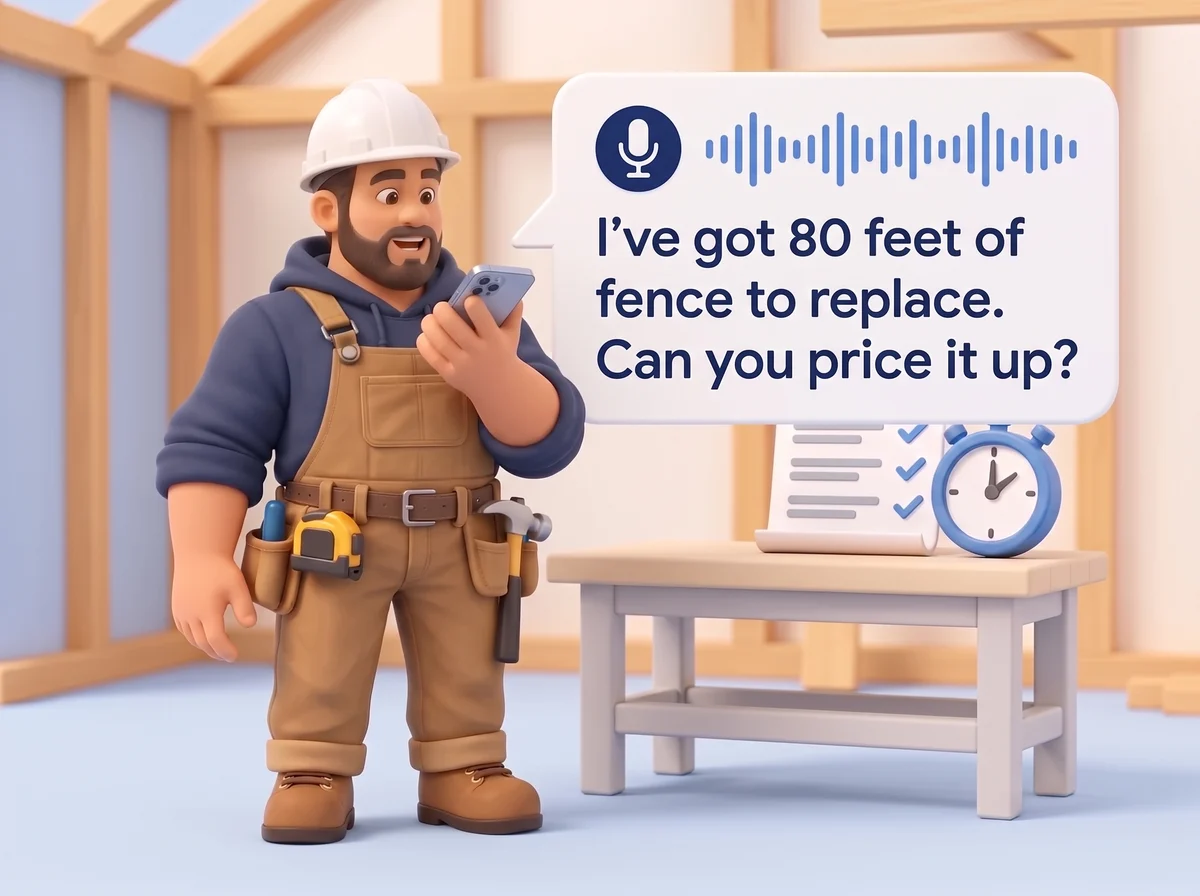
Builder speaking into his phone: I’ve got 80 feet of fence to replace. Can you price it up? A microphone and voice waveform show voice input.

01Less typing. More building.

An estimate in under 60 seconds.

Tell us what needs doing. Speak or type your job details and add your site photos. We’ll turn them into a working estimate for you to review.

  • Describe the job in your own words
  • Add measurements and photos from the site

You describe the job. We bring the numbers together.

Prices from the shops you already use.

US & Canada
US
UK
Canada
Construction Job EstimatorBring your job costs
together in one place.
Materials
Products, quantities & prices
Labour
Your time & labour rates
Other costs
Delivery, equipment & disposal

02The costs behind your whole job.

Your materials, labour and other costs. All together.

We find material prices from the shops you already use and bring your labour and other job costs into the same estimate. Compare your supplier options and choose what works for your job.

  • Compare prices from the suppliers you know
  • Review your labour time and rates
  • Include your delivery, equipment hire and disposal costs

See what your job will cost before you set your price.

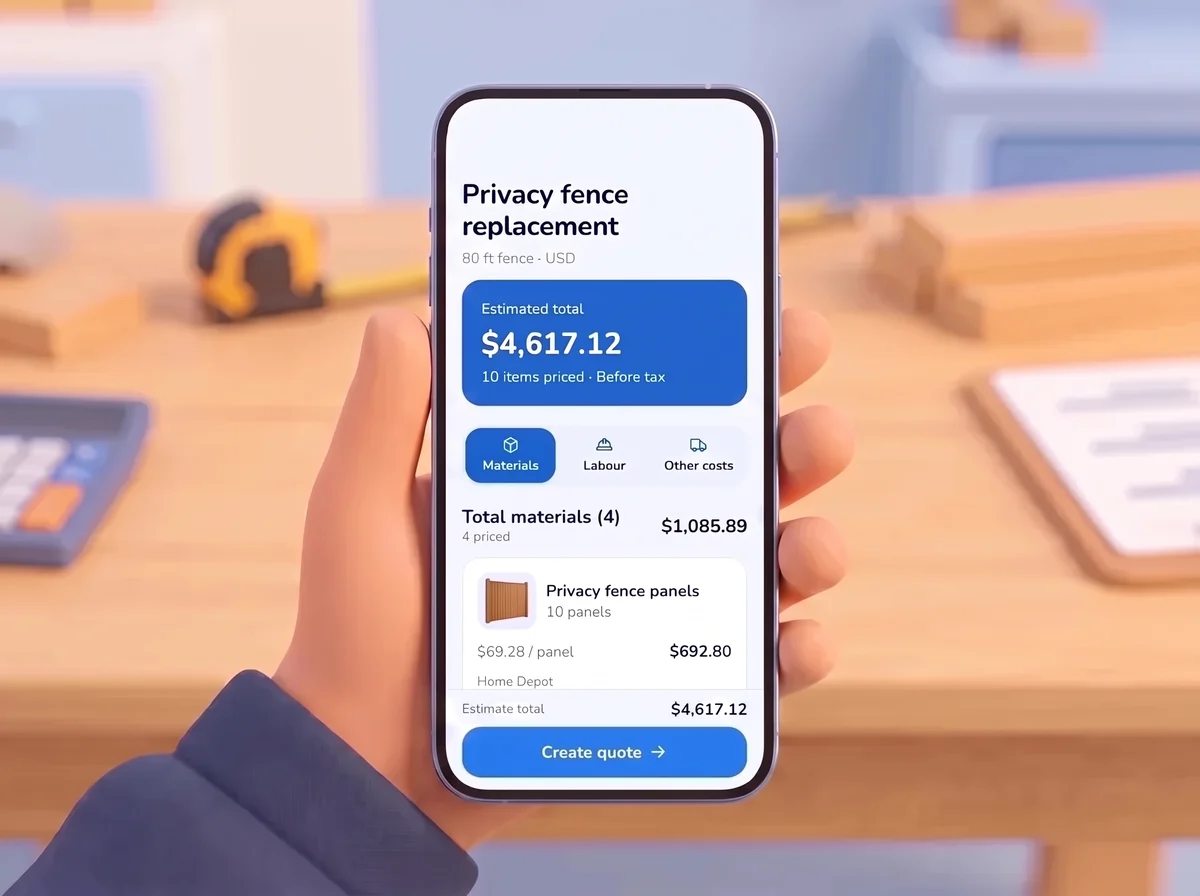
Phone showing a sample 80-foot privacy fence estimate in US dollars: $4,617.12 before tax, with 10 priced items.

03Accuracy in the details.

See what goes into every figure.

See exactly how your estimate adds up, from material quantities to supplier prices and labour rates. Adjust any item to suit your site, your way of working and what you know the job needs.

  • Check your quantities, pack sizes and material costs
  • Fine-tune your labour, markup and individual line items

A clear breakdown. Your final say.

Estimate EST-001Customer invoice
Daniel & Sons

INVOICE · INV-2026-0001

Privacy fence replacement

80 ft fence · USD

Materials
$1,248.77
Site preparation & removal
$897.00
Fence installation
$1,794.00
Cleanup & handover
$299.00
Delivery & disposal
$378.35
Invoice total$4,617.12

Illustrative example · No tax applied

04Your estimate. Your next invoice.

Turn your estimate into a professional invoice.

Ready to bill your customer? Create an invoice from your estimate, review the details and add your payment instructions. Send a clear invoice that shows the work and what’s due.

  • Start with the estimate you’ve already prepared
  • Check the customer details, due date and payment instructions
  • Preview and send your professional invoice

From pricing the job to sending the invoice. All in one app.

Before you send your next invoice

Your invoice questions, answered.

Can I turn a construction estimate into an invoice?

Yes. Choose an existing estimate in Construction Job Estimator and create an invoice from it. Review the invoice and complete your customer details, due date and payment instructions before sending.

Can I use it for estimates as well as invoices?

Yes. Describe your job by voice or text and add measurements and photos. Review your materials, labour and other costs, prepare your estimate and turn it into an invoice when you’re ready to bill.

Does the invoice app work on iPhone and Android?

Construction Job Estimator is available for iOS and Android. Choose your store on the download page to get the app for your phone.

How much does Construction Job Estimator cost?

Construction Job Estimator costs $19.99 USD per month.